RyDF is a PDF viewer, markup and print app for macOS and Windows, built for large, complex drawings. It stays fluid on files that bog other viewers down — with a full annotation toolset, to-scale measuring, OCR for scans, and a real print pipeline. It opens pictures too: mark up a photo or a scan with the same tools, and export any page as an image or as vector SVG.
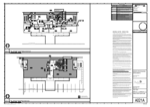
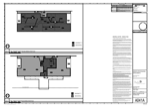
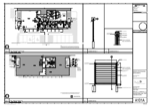
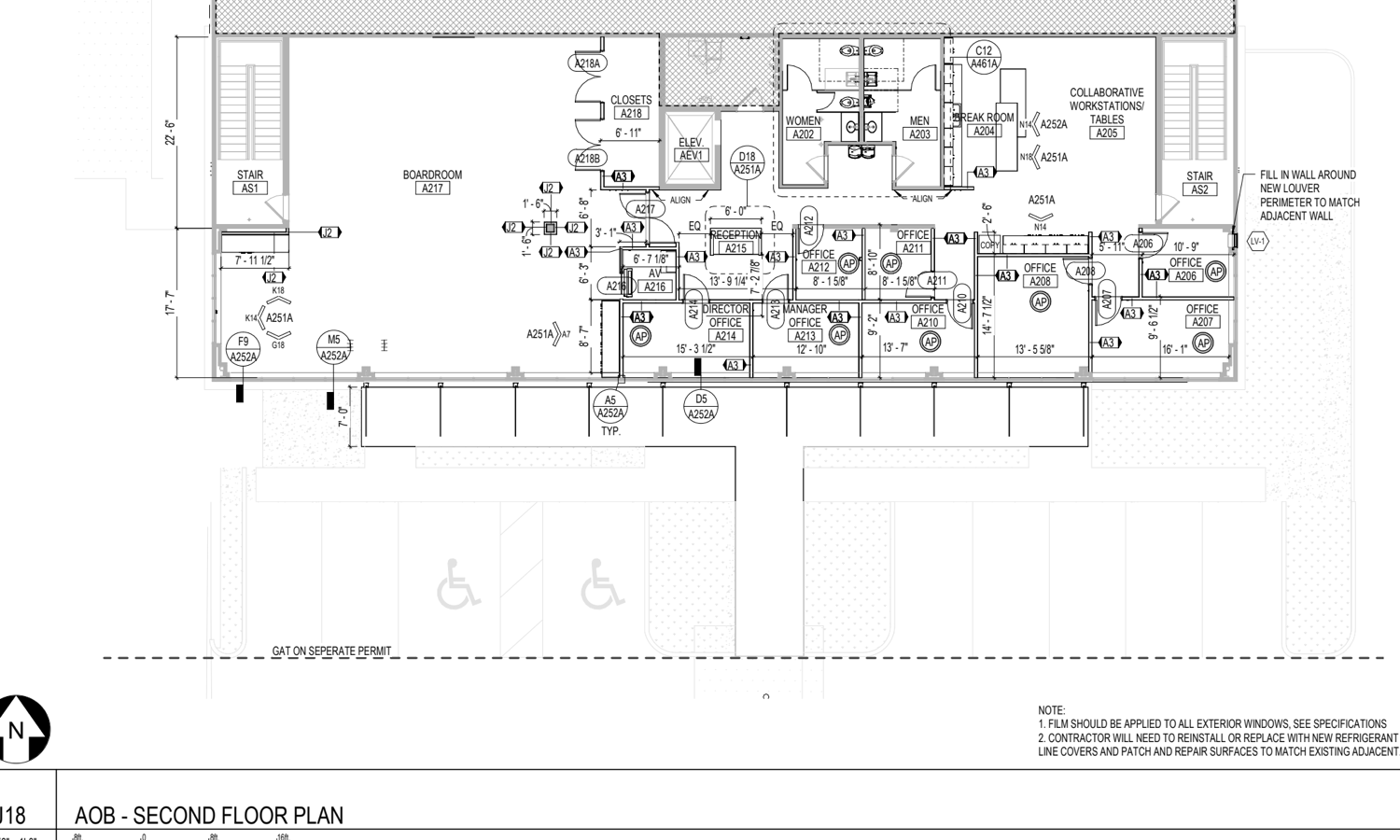
RyDF is one focused app that reads big PDFs smoothly, lets you mark them up like a pro reviewer, measures right off the drawing, and prints exactly what you need.
A tiled, virtualized engine keeps huge multi-hundred-page and CAD-size PDFs fluid — smooth scroll, instant zoom, and pages kept warm in RAM.
Clouds, shapes, text, callouts, dimensions, ink, highlighter, stamps and signatures — a complete Design-Review-style annotation set.
Calibrate a page's scale once, then read true distances straight off the drawing — with snap-to-geometry for exact points.
A real print pipeline — pick paper size, scale to fit, print selected pages, and get a faithful preview before anything hits paper.
Drop in a drawing, review it with the full toolset, and save — your markups go straight into the PDF file, so there's nothing extra to keep track of. Drop in a photo or an SVG and the same tools apply; saving asks whether you want a PDF you can keep editing or a picture with the markups burned in. Or take it further with measuring, OCR, cropping and printing.
The classic markup loop — comment, cloud, and hand it back.
Turn a scaled drawing into real numbers, then print what you need.
Built for people who live in technical PDFs all day — fast where it counts, thorough where it matters, and quiet the rest of the time.
A priority-scheduled, tiled render engine with a RAM page cache — big CAD sets and hundred-page documents stay smooth to scroll and zoom.
Rectangles, ellipses, revision clouds, lines, arrows, polylines, ink, text boxes, callouts and notes — with color, fill, stroke and opacity. Select the page's real text and the bar adds Highlight, Underline and Strikeout, with Clear to take a mark back off.
Drop reusable stamps with repositionable text, and sign by typing your name in a cursive font or importing an image with the background removed.
A sheet that states its own scale is measured with it, no calibrating. Otherwise set the page's scale yourself — draw a known length and type its real value, or enter the ratio. Snap-to-geometry for exact endpoints, and a quick-measure tape that never touches the document.
Recognize text on scanned or image-only pages using your system’s own on-device recognizer — Apple Vision on a Mac, Windows OCR on Windows. An invisible, searchable text layer is baked in, so scans become selectable and searchable. Nothing leaves the machine.
JPEG, PNG, TIFF, WebP, GIF, BMP and SVG open like any other document, on both platforms — as do HEIC photos straight from your camera roll (on Windows those need a free codec from Microsoft). The same markup, measuring and printing tools apply. When you save, choose whether to convert to a PDF with your markups still editable, or render them into a new picture; either way your original file is left untouched.
Trim a page — or a photograph — to the part that matters, with one tool that works the same on both. Nothing is thrown away: cropping moves a boundary rather than discarding pixels, reset restores the full sheet exactly, and undo covers it like any other change.
Any page out as JPEG, PNG, TIFF or WebP, at the picture's own resolution. Or as SVG, which stays true vector — real paths and selectable text, sharp at any zoom. Where a page uses something vector cannot express, like a gradient, that part is embedded as an image in exactly the right place and the export tells you so, rather than quietly redrawing it wrong.
Save writes your markups into the PDF file itself — no stray sidecar, one file to keep or send, and still fully editable when you reopen it in RyDF.
Rotate, delete, extract, insert and reorder pages — inline in the sidebar or in a full grid view, drag-and-drop like Acrobat's Organize Pages.
A set that arrives with its producer's layers — Balloons, Dimensions, Titleblock, Revision Tables — gets a switch for each. Turn the clutter off to redline a clean sheet, then turn it back on. Nothing in your file changes.
RyDF shows a PDF's form fields and whatever they already hold — click one and type, or tick a box. Saving writes the values into the document's own fields, so the form reads as filled in Preview and Acrobat too, and prints as it looks.
Full paper-size table, scale-to-fit, print the whole document or just the pages you selected, and a true-to-output preview before you commit — plus, on macOS, a queue beside Print showing what's waiting on every printer, so a long drawing set can be stopped.
Keep several drawings open at once and flip between them instantly — each tab holds its own place, zoom and markups.
Search the whole document with paged results and adjustable on-page highlights — and it finds text you added with OCR, too.
Work in mm, inches or points; type fractions and arithmetic when you set a drawing's scale (1/8", .25"−1/8"); light or dark, following your system.
Checks its GitHub releases for new versions, shows what changed, and downloads the update — on a schedule you choose or only when you ask.
It's free while it's in alpha, and under active development. Grab the latest build, open your gnarliest PDF, and send the bugs and requests our way — feedback shapes what comes next.